// mobile-first second brain
Think in links,
not lists.
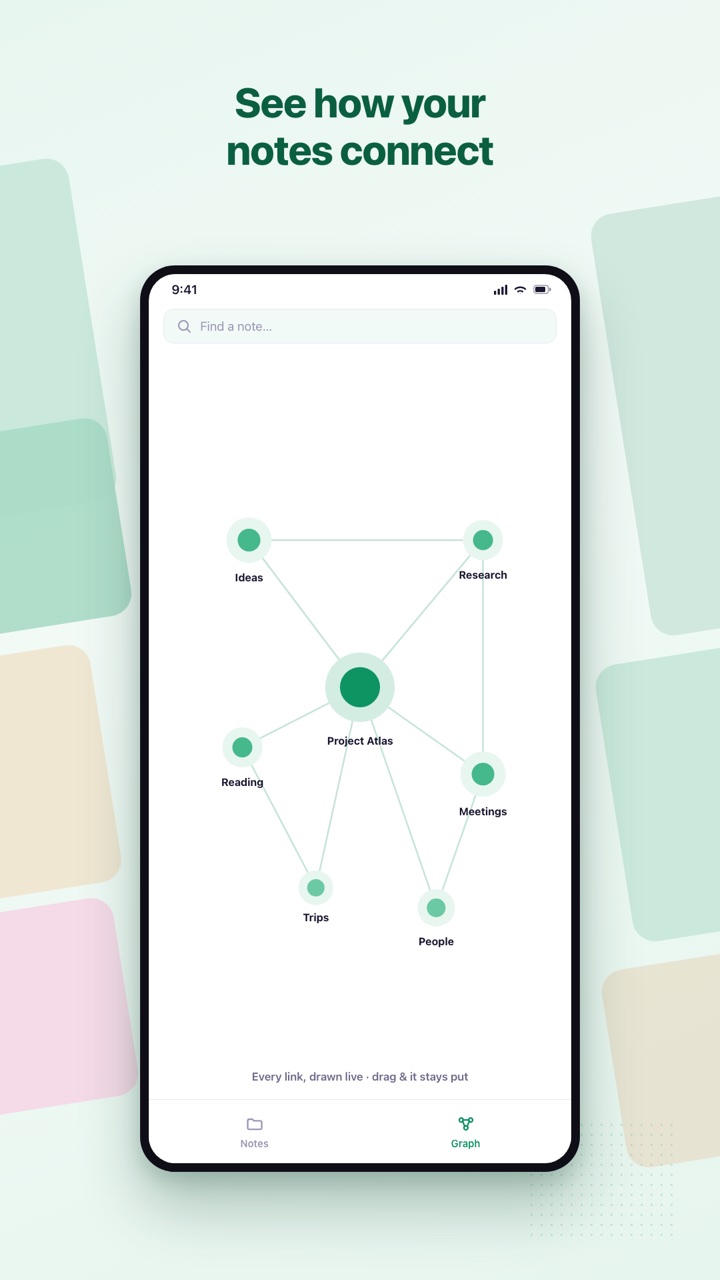
Lightsidian is a fast notes app where every note links to the next — and your ideas grow into a living knowledge graph you can actually see.
Free to start · offline-first · no account required
// markdown
Plain Markdown. No lock-in.
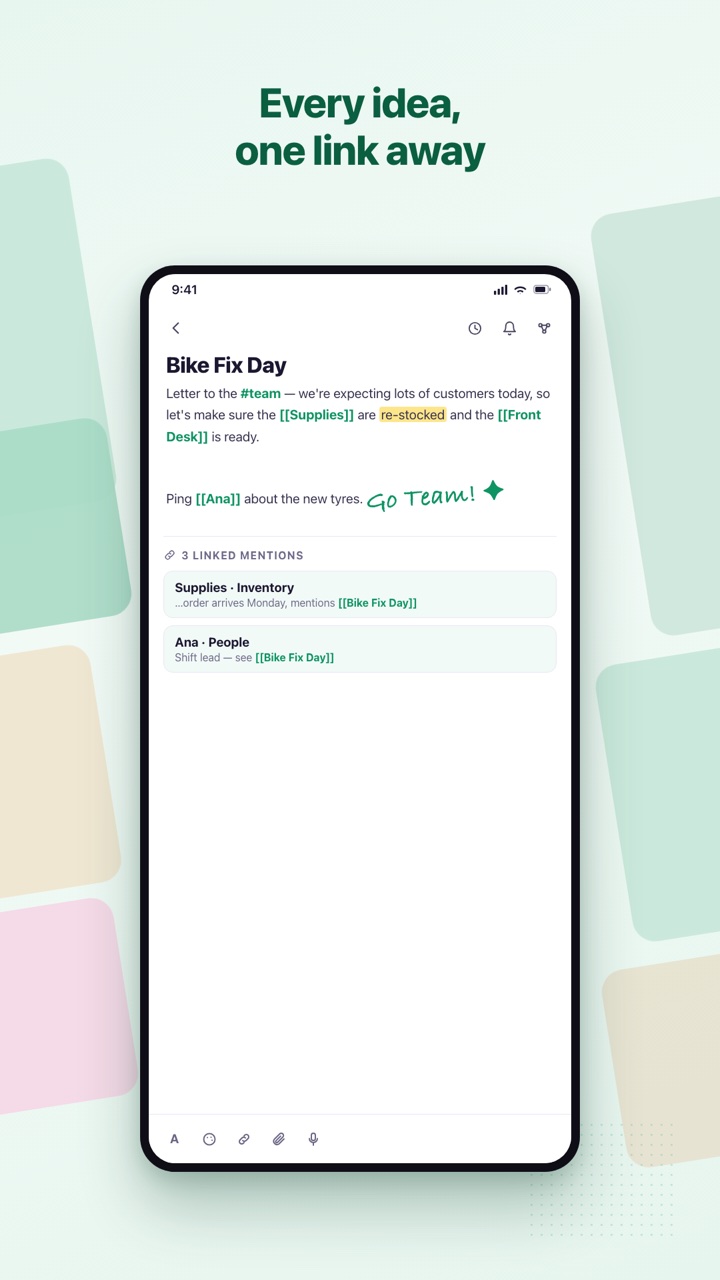
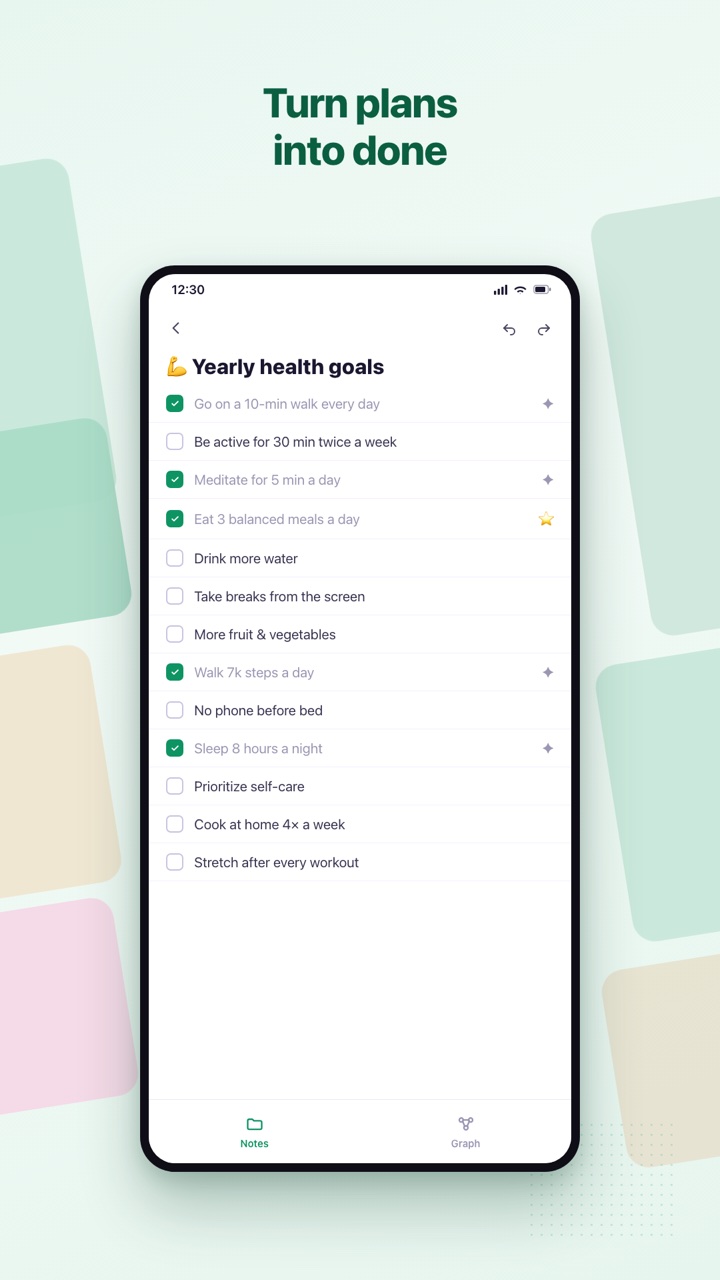
Write the way you already do — headings, bold, checklists, tables, quotes and code. Live preview renders it as you type, and every note stays a real .md file you can export whenever you want.
// on your phone
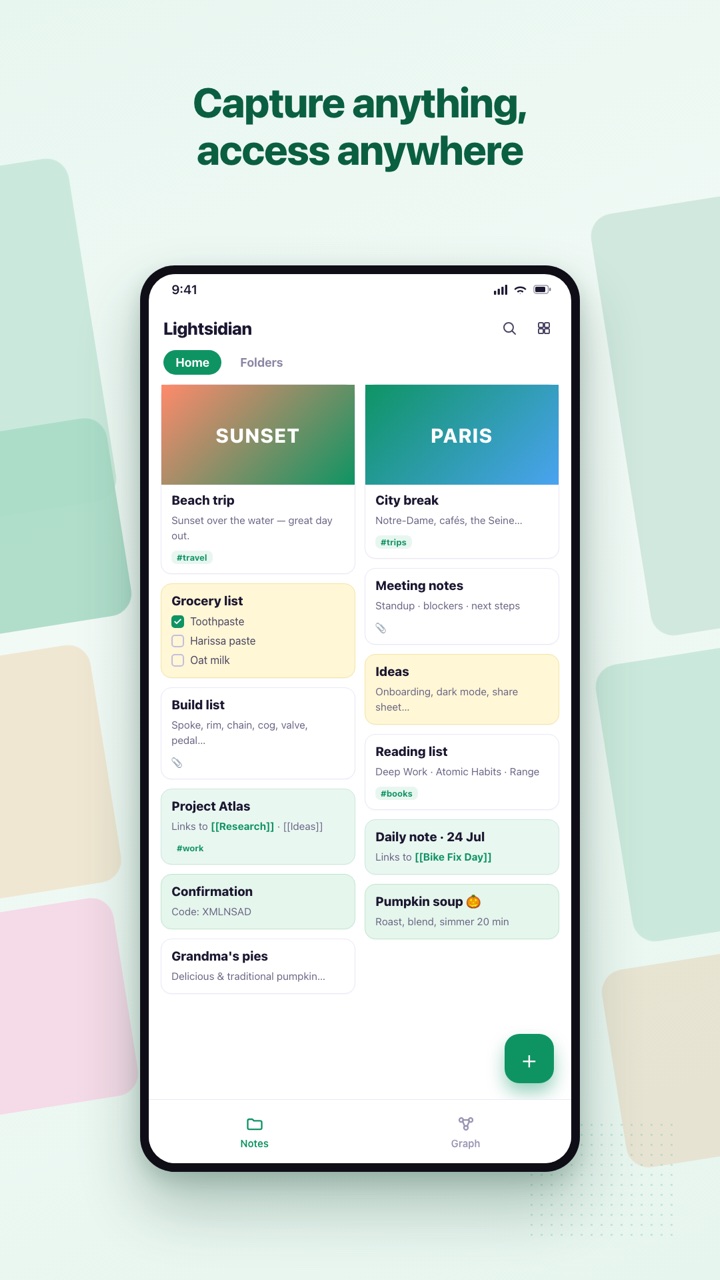
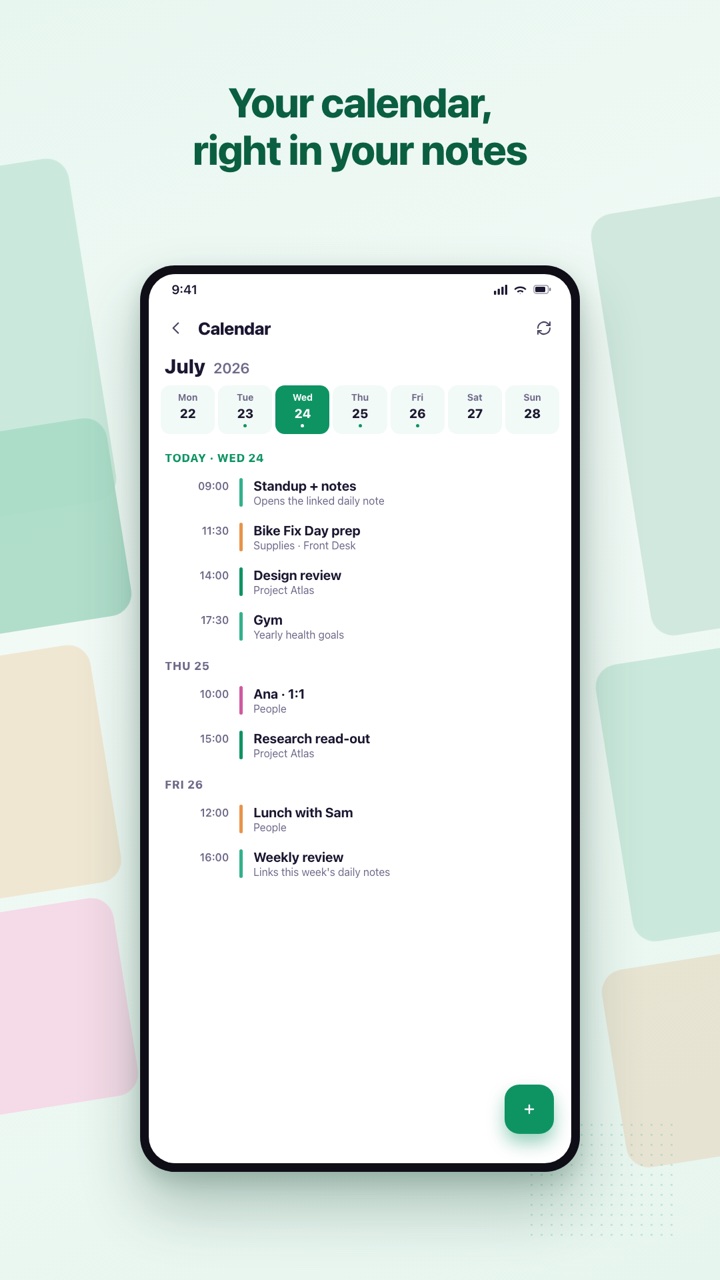
Built for thumbs, not just desktops.
// no strings
offline-first
Works without signal
Your notes live on your device. The cloud is optional.
private
Yours by default
No selling data. Export to Markdown any time.
minimal
Simple by design
No setup, no plugins, no clutter. Open it and write.
free
Free to start
Optional Pro for more media storage. No account to begin.
// pricing
Free. And we mean it.
Everything you need to think, write and link is free forever. Pro just adds more media storage in the cloud — upgrade only if you ever want it.
- ✓Unlimited notes, links & backlinks
- ✓The full knowledge graph
- ✓Markdown editor, calendar & tasks
- ✓Works offline · export to Markdown
- ✓100 MB of media in the cloud
- ✓Everything in Free
- ✓10 GB of media storage in the cloud
- ✓Priority support
- ✓Back a tiny independent team
// questions
Good questions.
Is it really free?
Yes. Notes, links, the graph, tasks and the calendar are all free, with no account required. Pro only adds more media storage in the cloud.
Do I need an account?
No. Start writing the moment you open it. Sign in only if you want your notes to sync across devices.
Is my data private?
Your notes live on your device first. When you sign in they sync to your own private space — we never sell your data.
Can I get my notes out?
Any time. Export your whole vault to plain Markdown files and folders. Nothing is ever locked in.
What platforms does it run on?
Use it on the web today and on Android, always in sync. Your vault follows you everywhere.
How is it different from Obsidian?
Same big idea — linked notes and a knowledge graph — but built mobile-first and friendly: nothing to set up, no plugins to configure, and it just works the moment you open it.
Start building your second brain.
Capture anything, link everything, and access it anywhere — on the web today, in your pocket tomorrow.